View live readings
View current pressure values and their trend on your smartphone, even when the sensor is positioned awkwardly.
Read live pressure values, follow measurement curves and export data. SECA connects our compatible Bluetooth instruments to your smartphone for service, testing and on-site documentation.
View current pressure values and their trend on your smartphone, even when the sensor is positioned awkwardly.
Depending on the instrument, adjust units, zero and acquisition interval. Available parameters depend on the model and firmware.
Record measurement series in the app and export them as a spreadsheet file. Recording through the smartphone requires the necessary Bluetooth connection to remain active.
Original example screenshots. Appearance and functions vary by app version and instrument. The last image shows CSV files from DigiLog instrument storage in the Android file manager via USB, not the SECA app export.
Group mode lets you compare readings from up to four compatible Bluetooth instruments and monitor several measuring points together. Available functions depend on the instrument model and app version.
Bluetooth is a short-range connection. Metal enclosures, walls and installation conditions affect range. Internet-based remote monitoring is not automatically included.
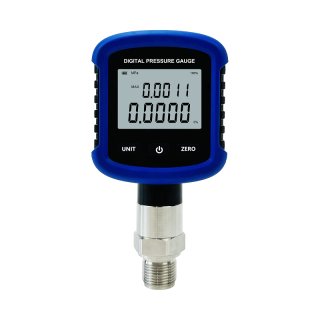
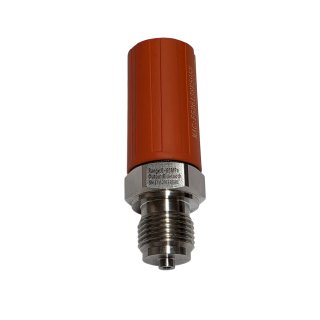
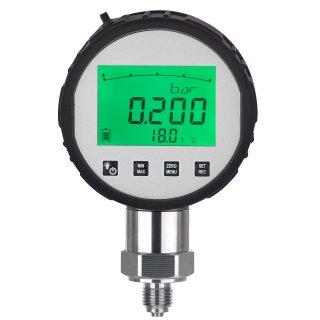
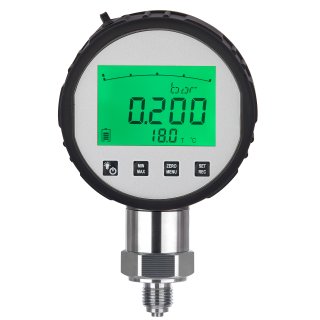
Digital pressure gauge with data logger 0,1%
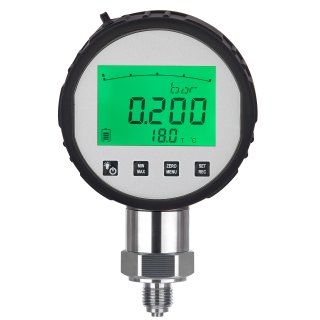
Digital pressure gauge with data logger 0,05%
MD-S281 combines a compact digital display with Bluetooth. The DTF pressure sensor sends readings to a smartphone without a local display. DigiLog models combine a display with data logging. Select the required accuracy and range on the product page.
Instrument logging and app recording are different functions. Whether an instrument continues recording without a smartphone depends on its own data logger and settings.
Download SECA from Google Play or the App Store. If the Android app is unavailable in Google Play, use the direct APK download below. Enable Bluetooth and the app permissions required for device discovery.
Switch on the compatible instrument and search in the app. Select the intended instrument using its identifier.
Check the unit and acquisition interval, start recording and export afterwards. Follow your instrument’s operating instructions.
Android app unavailable in Google Play? Download the installation file directly from MEOKON.
You are downloading SECA.apk directly from MEOKON, outside Google Play. An APK is an installation file for Android. It does not work on iPhone or iPad.
Download source: oss.chinameokon.cn. The file is provided by the manufacturer and may be a different version from the app stores.
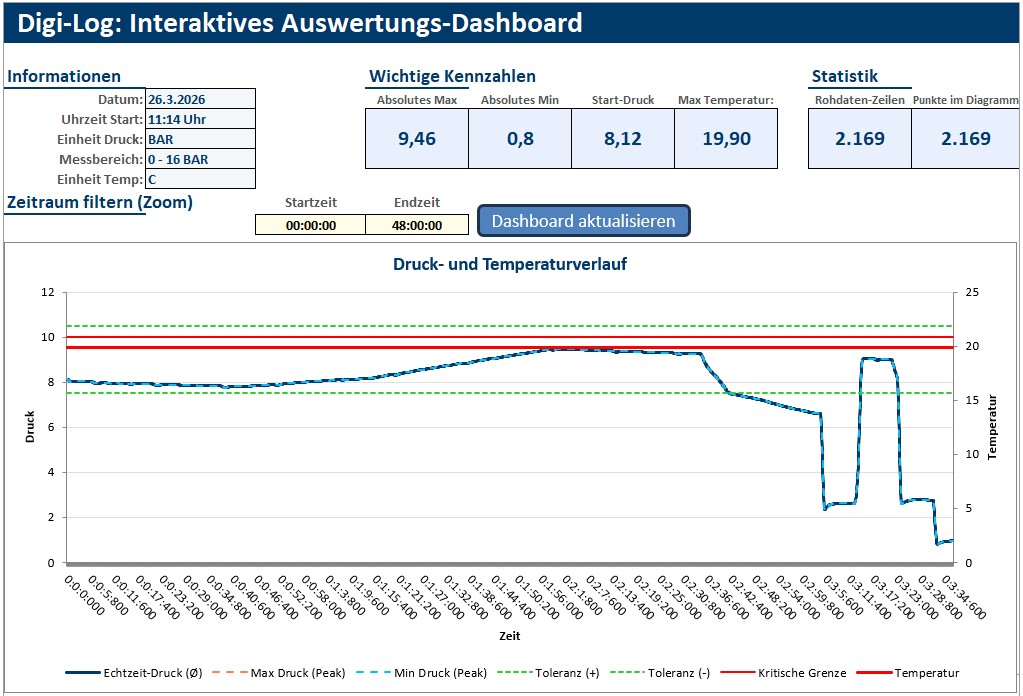
The free DigiLog evaluation tool v1.0 for Microsoft Excel complements the mobile app. It supports importing measurement series, time filters, charts and a test report. The ZIP package includes sample files and a quick guide.
Important: This Excel tool requires the original CSV files copied directly from the DigiLog via USB-C. SECA app exports use a different format and are not suitable for this tool. The dashboard is in German and can be customised.
Know your medium, pressure range and connection? Let us find the right instrument together. Andreas Bondza brings 22 years of experience in pressure measurement.